Private AWS RDS access,
without bastion SSH
Storm Tunnel gives macOS developers a visual, one-click way to reach PostgreSQL, MySQL, Aurora, and internal services through AWS Session Manager. Keep databases private, use IAM access, and avoid fragile terminal commands.
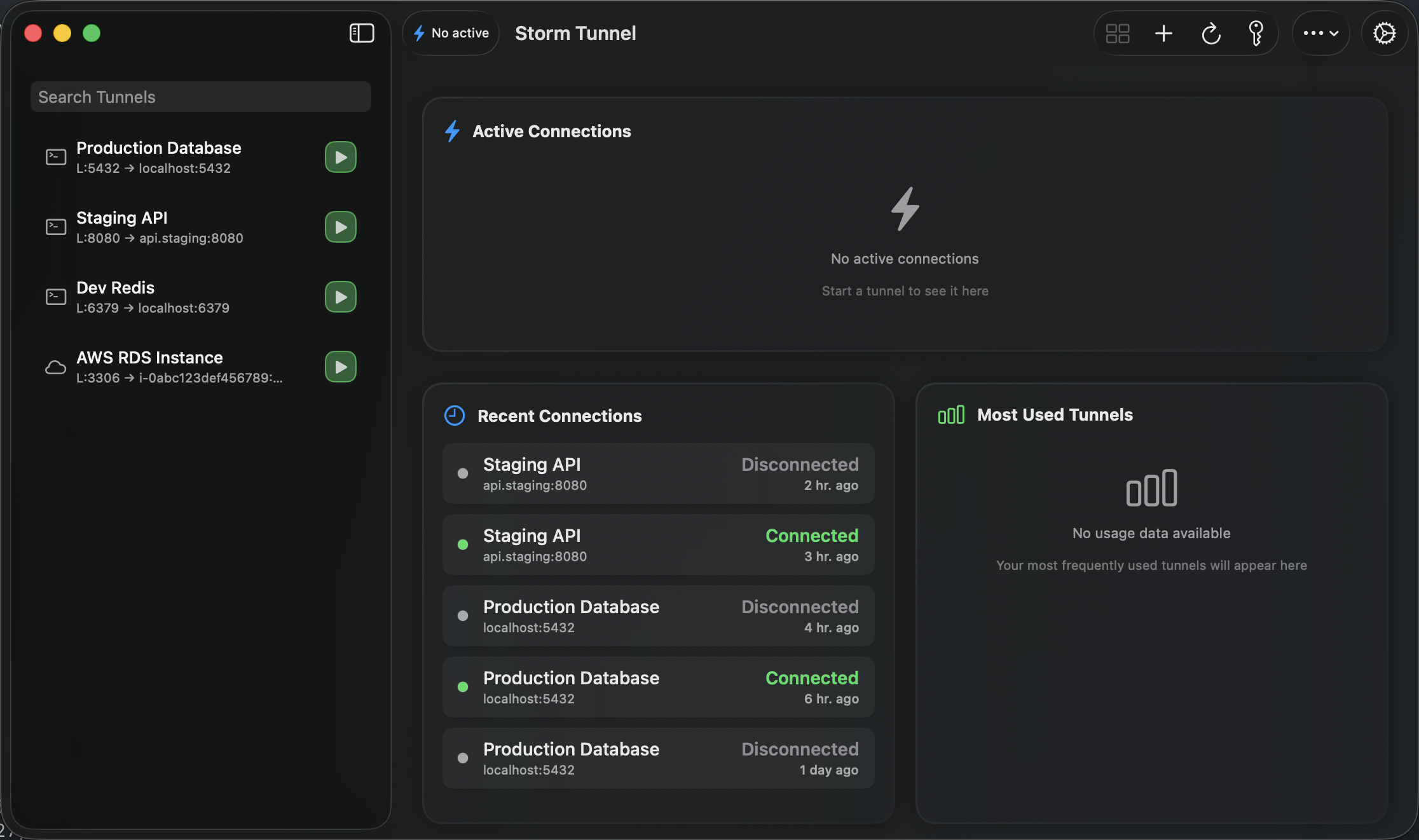
Make Private Database Access Repeatable
A clean workflow for the AWS access pattern teams actually use.
Powerful, but easy to misconfigure
AWS Session Manager is the right foundation for private RDS access, but the raw workflow still leaves developers juggling instance IDs, profiles, regions, ports, and long command lines. Small mistakes become support requests.
Defined once, used confidently
Storm Tunnel turns the approved access path into a saved, visible workflow. Developers open Storm Tunnel, choose the RDS connection, and click Connect. DevOps keeps the database private and the access model aligned with AWS IAM.
Designed for AWS-First Workflows
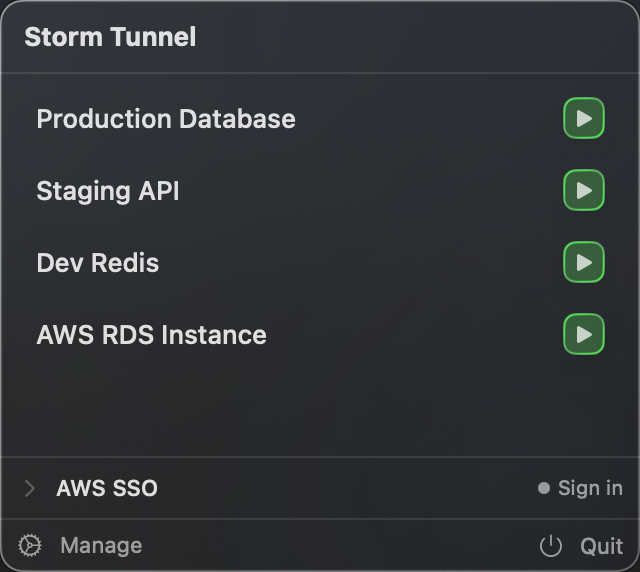
Menu Bar Database Access
Start and stop private database tunnels from anywhere. Check whether your RDS tunnel is connected without opening Terminal.
Check Access Before You Connect
In the tunnel editor, Check Access validates the instance and tests the Session Manager permissions your profile needs. You can copy the IAM policy to send to your AWS administrator. It works with IAM Identity Center (SSO) profiles through the AWS CLI.
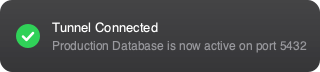

Built for Infrastructure Teams
A practical interface over the secure AWS path.
AWS SSM to RDS
Connect from your Mac to a private RDS endpoint through an SSM-managed EC2 instance in the same VPC. No public database, no VPN dependency, no SSH port opened to the internet.
IAM-Based Access
Use the AWS profiles and SSO flows your team already controls. Access can be granted, audited, and revoked through AWS instead of distributing long-lived SSH keys. Storm Tunnel reuses your SSO sign-in, retries a dropped session a limited number of times, and frees the local port when a tunnel stops.
No Telemetry, No Tracking
Your tunnel configurations stay on your Mac. The app has no usage analytics or tracking. It contacts the network only for the AWS connection you start, update checks, and license activation.
Native macOS Performance
Built with SwiftUI for macOS 15 and later, using standard macOS sidebars, forms, and a menu bar popup with a switch per tunnel. No Electron. AWS tunnels need AWS CLI v2 and the Session Manager plugin.
Become a Founding User
Try the AWS-first macOS tunnel manager for private RDS and internal service access.